UPLOAD
The upload allows users to upload, preview, and manage documents such as prescriptions or medical reports.
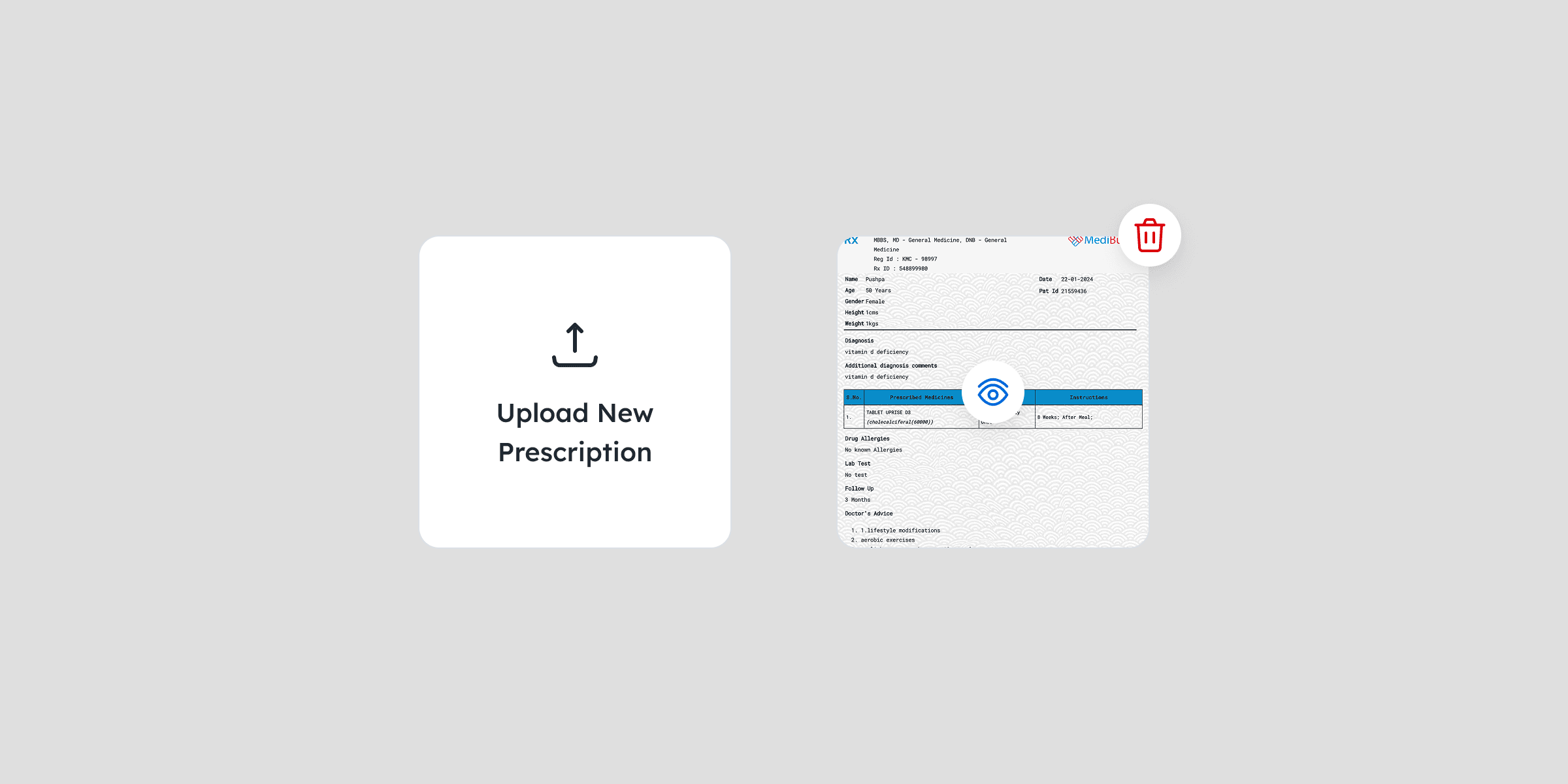
WHEN TO USE
Use an upload
When multiple files need to be uploaded
if you need to show users a thumbnail or preview image of their upload on the same screen
Don’t use an upload
within a form
BEST PRACTICE
— Allow users to preview, or delete uploaded files easily.
— Display uploaded files as thumbnails for quick visual recognition.
— Maintain consistent placement across screens to build familiarity
— If the user removes a file, display a prompt alert to confirm the action
STATES
The upload has two different states

Default
The default state appears before any user interaction, with a title that prompts the user to upload their files.
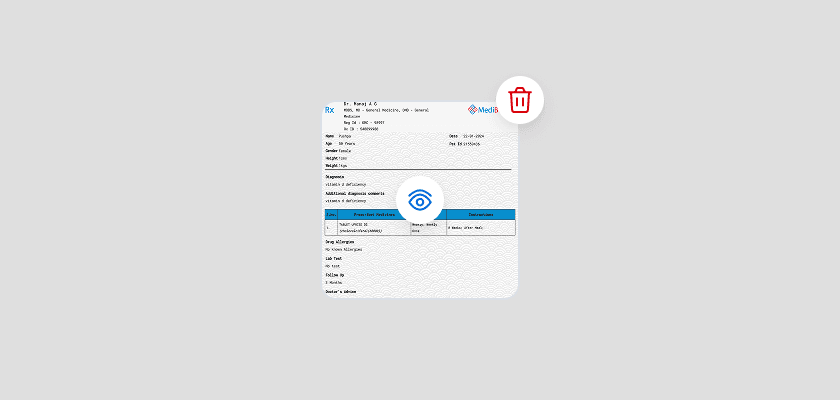
Uploaded
Once the file is uploaded, a preview thumbnail appears with clear options to view or delete the file, allowing users to manage their uploads easily.
CONTENT
Label
Label copy should:
—
specify the type of document to be uploaded
—
Have no full stop
—
be in title case
AVAILABILITY